
Organize
Team
Invite workspace members, roles, and share a single project without full workspace access.
Open Team in the sidebar to invite people to a workspace and to share individual projects.
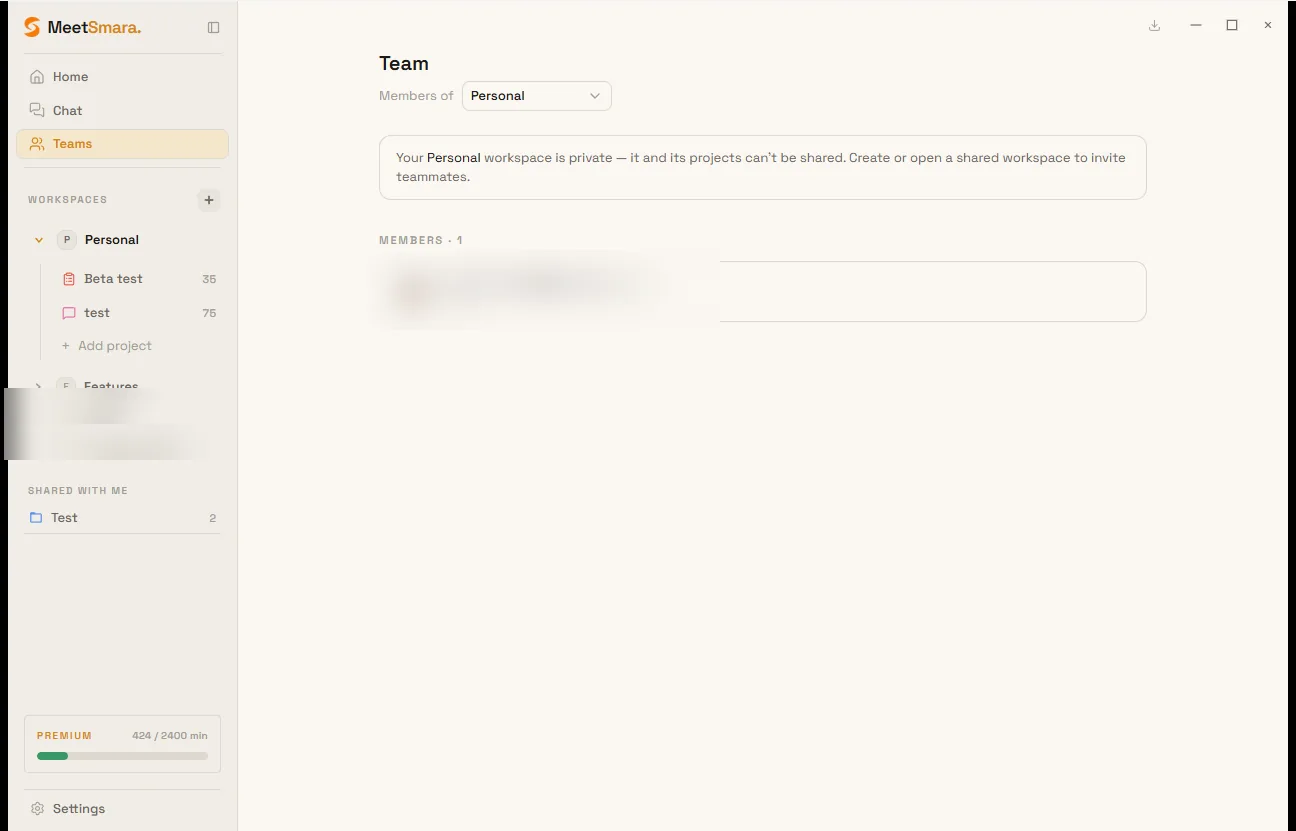
Workspace members
Roles:
- Owner — created the workspace; only the owner grants admin, changes roles, or revokes invites
- Admin — can invite members, create and edit projects, and share projects
- Member — read access to shared meetings in the workspace (members do not create projects)
Multi-member workspaces are a Premium (and beta) collaboration feature. Pro stays on Personal / unshared workspaces.
Invitations are in-app only — MeetSmara does not send email. The invitee must already have a MeetSmara account with exactly that email. They accept or decline on Team.
If someone leaves, meetings they filed in the workspace stay there. Unfiling is a manual move, never automatic.
Share a project
Share project grants read-only access to one project without adding the person to the whole workspace. Invitees see it under Shared with me.
Owner and admin can share. You cannot share Personal.